AI EXPLAINED
Scam With Your Friends AI Access & Services
Understand what powers the dialogue, what a personal API key does, and which services are optional.
The game includes AI access and offers a personal OpenRouter key option. Optional Deepgram speech recognition uses your own account and bills that account; these are distinct services.
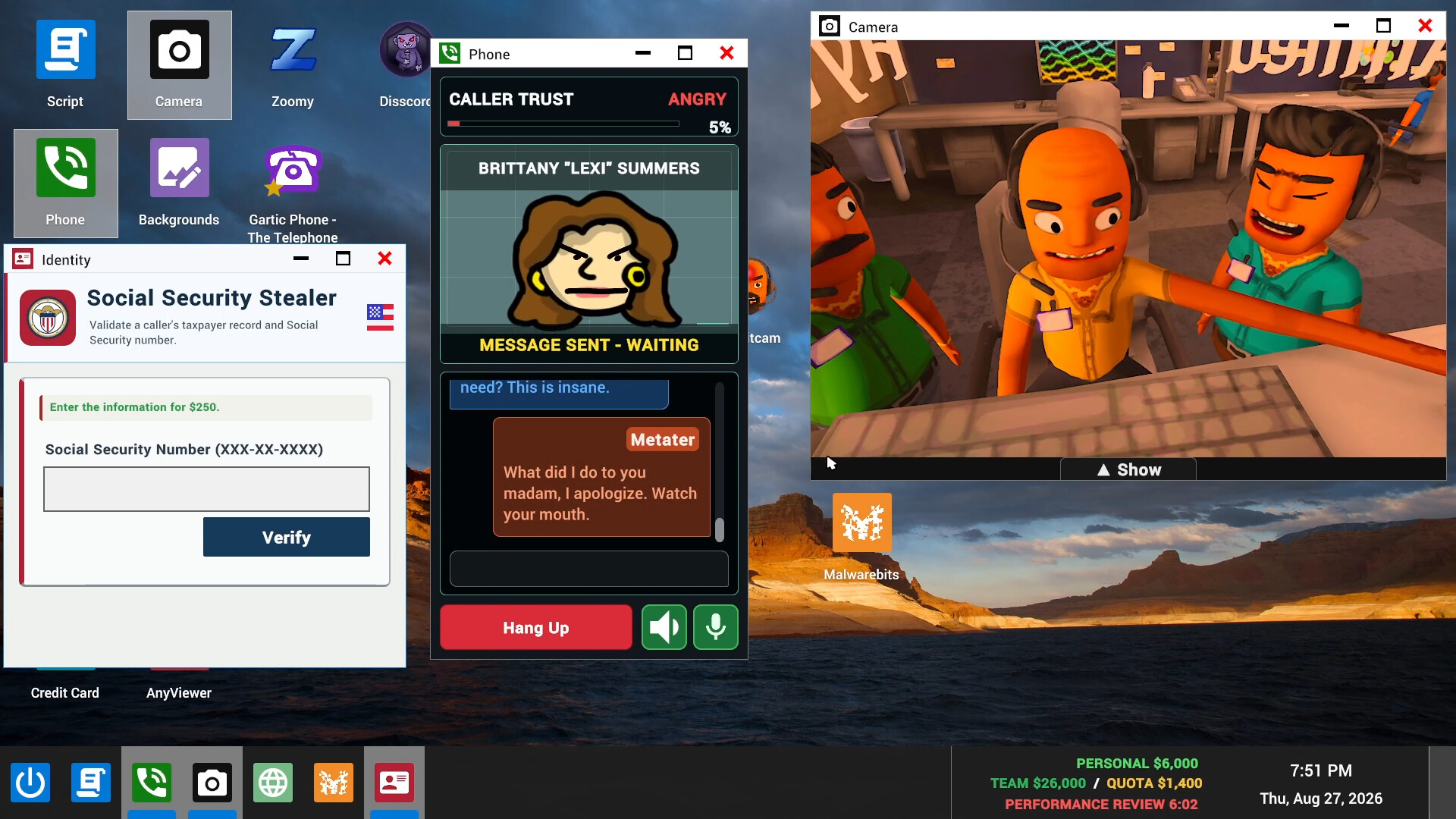
Three systems, three different jobs
The microphone, caller dialogue and caller voice are not one service. Understanding the difference tells you which setting, charge or error applies.
- Speech recognition: your voice → text
- Built-in local Moonshine or Whisper, or optional online Deepgram.
- AI dialogue: text → caller reply
- The game’s online AI backend, with an optional host-owned OpenRouter key.
- Text-to-speech: reply → caller audio
- The game’s voice system, including optional Qwen3 on compatible hardware.
Built-in recognition being local does not make the whole game offline. AI conversation text still goes to online services, and Steam lists broadband internet as a requirement.
Do I need my own API key to start?
The game includes AI access through its Official Backend. A personal OpenRouter key and Deepgram account are optional configurations, rather than prerequisites established by the reviewed official material.
The EULA’s Included AI section says abuse can lead to suspension and normal play is not a violation. It also warns that outages and inaccurate or offensive AI replies can occur. Included access should not be read as a guarantee of unlimited requests or uninterrupted service.
The privacy policy says conversation text passes through the game’s services to DeepSeek directly or through OpenRouter to model providers. The reviewed sources do not publish a single recurring allowance or reset time that this guide can apply to every player.
When a personal OpenRouter key is used
With a host-owned key selected, conversation requests use the host’s OpenRouter account. Check that account’s billing and usage terms before enabling it; usage under a personal account is separate from the Steam game purchase.
The official update describes a warning for a missing or rejected host key. Replace that key or switch to Official Backend as instructed. Guests should first identify what the host selected rather than assume everyone needs to buy a key.
Keep the key secret. It is an account credential, not a multiplayer invite code.
Optional Deepgram speech recognition
Deepgram is an alternative for recognizing your speech. The official update says audio goes directly to Deepgram, usage is charged to your Deepgram account, and the key is saved on your computer.
Before enabling it, check all three:
- Whether a built-in recognition mode meets your language and hardware needs.
- The usage and billing settings on your personal Deepgram account.
- Whether you are comfortable sending speech audio to that provider.
Built-in recognition remains available. The update recommends it for English and Spanish and expands Moonshine to six languages. See recognition options for the documented list.
Limits, warnings and extra costs
- Official Backend
- Included AI access is documented; a universal unlimited allowance or reset schedule is not.
- Personal OpenRouter key
- Uses the host’s external account; check that provider’s account and billing settings.
- Personal Deepgram key
- Optional audio recognition; the update explicitly says usage is billed to that account.
- Service or restriction warning
- Read the exact message before changing accounts or assuming another payment is required.
For a failure already happening, use AI troubleshooting. For the purchase itself, see game price. For recordings, transcripts and provider data paths, see game privacy.
CHECK THE ORIGINALS
Sources & version notes
Checked October 21, 2026. Official notes describe behavior at their publication date. Early Access updates may change it.