1–8 PLAYERS
Scam With Your Friends Multiplayer & Co-op
Set up an online group, join by invite, and resolve code, version or first-launch blocks before your first call.
Scam With Your Friends supports single-player and online co-op. Hotfix 2 sets the lobby range at 1–8 players, including the host.
How many players can join?
Hotfix 2 sets lobbies to 1–8 players, including the host. Steam lists single-player and online co-op, so you do not need a full group.
- Lobby capacity
- Up to 8 total players, including the host
- Play alone
- Supported
- Play with friends
- Online co-op and invitations
- Find other players
- Public lobbies
- Confirmed release
- Windows PC through Steam
The reviewed sources describe online play. They do not confirm a split-screen or local couch co-op mode, or cross-play with a console version.
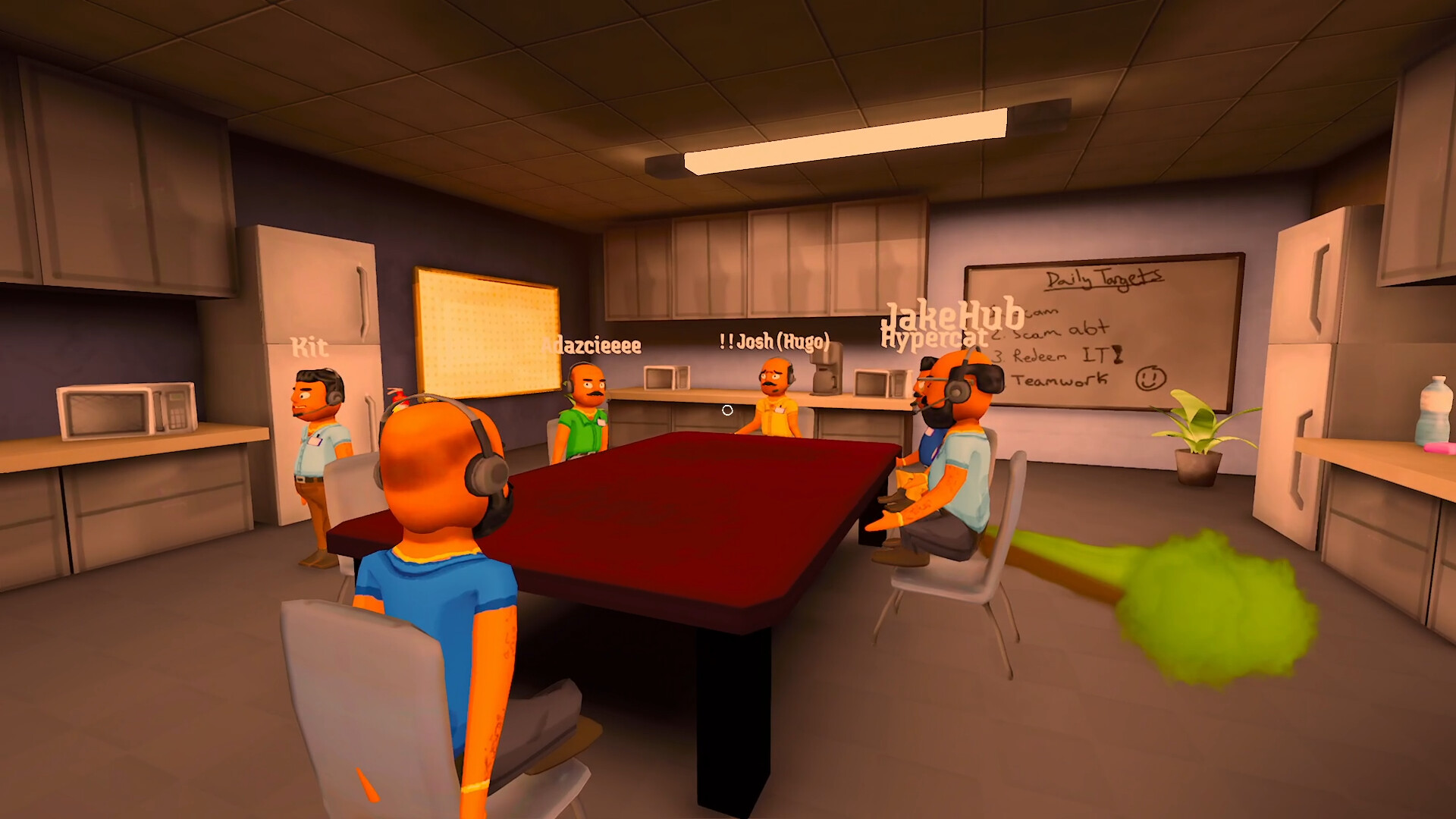
Invite and join checklist
- Everyone: launch the correct Steam game, apply updates and complete the first-launch agreement. Hosting, joining and Steam invitations wait for acceptance in the documented update.
- Host: create the session using the game’s hosting options and share its current invitation with your group. Count yourself toward the eight-player limit.
- Joining player: use the Steam invitation or the game’s join-by-code flow. Hotfix 2 added support for Steam invite links in that flow.
- If joining fails: keep the exact warning. Check the code, game version and available space before changing microphone or AI settings.
- After joining: test player communication and one AI conversation separately. Success in one does not prove the other works.
A lobby invitation joins a session. It is not a Steam activation key and does not grant ownership of the game.
Resolve a failed join
- Invalid code or link
- Ask the host for a fresh invitation to the current session and copy it completely.
- Different game version
- Both players should apply the available Steam update, relaunch, then retry.
- First-launch notice still open
- Read and complete the agreement before retrying the invitation.
- Lobby at capacity
- The maximum is eight players in total; try a session with space.
- Steam sign-in or ownership warning
- Follow that warning and check the signed-in Steam account. Keep it separate from AI-service errors.
Update 0.1.73 added clearer version-mismatch instructions and a Back button. Updates 0.1.78/0.1.82 also improved Steam ownership checks; a temporary connection failure should not automatically be interpreted as missing ownership.
If a problem persists, report the exact message, both game versions, whether other players can join, and any modifications in use. Use the community link on the official game website.
Find a public lobby
The official notes describe filters for player count and country, plus My version first sorting. Start with a compatible version and a lobby with room. Confirm the group’s language and goal once you join; public players may be learning, progressing or simply exploring.
Friends can hear me, but callers cannot
Player voice chat and speech recognition for AI callers are separate systems. If your friends hear you but your words do not appear in the phone, use the microphone guide. If captured text is correct but the caller does not reply, use AI troubleshooting.
If only friends cannot hear you, check the player-chat input and selected audio device; changing the AI backend will not diagnose that symptom.
CHECK THE ORIGINALS
Sources & version notes
Checked October 21, 2026. Official notes describe behavior at their publication date. Early Access updates may change it.