START HERE
Scam With Your Friends: How to Play
A first-launch checklist and a six-step shift sequence, from testing a call to checking earnings and the boss review.
Start solo or with friends, speak or type to fictional AI callers, and work toward the daily quota. First, make sure the game is capturing your words correctly.
Understand the core loop
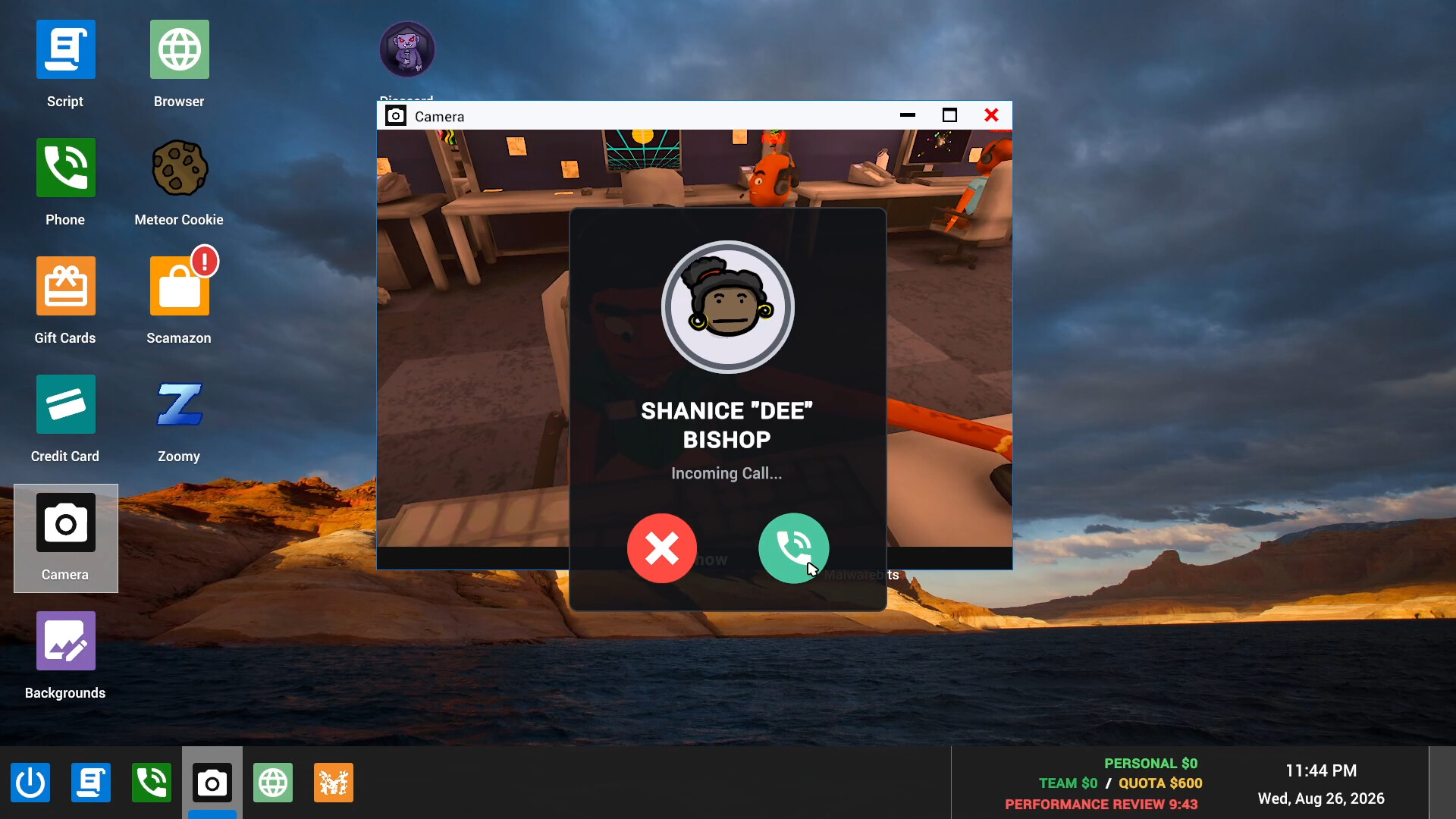
Scam With Your Friends is a fictional call-center game. Talk to AI callers, use the in-game desktop tools to complete scenarios, and earn enough to meet the daily quota. Workdays become more chaotic as you progress, and the boss reviews your performance.
You can play alone or in online co-op. Solo play is a useful place to learn the phone and desktop before coordinating a group. The game requires an internet connection even though built-in speech recognition runs locally.
Before your first call
- Install the official Windows Steam game and apply available updates.
- On first launch, read the EULA and privacy notice. The update notes say hosting, joining and Steam invites wait until you accept.
- Open Speech settings. Choose the language you will speak and check your selected microphone. Interface language and recognition support are separate considerations.
- Let speech initialization finish, or read any warning before continuing. Typed phone dialogue remains available if recognition cannot run.
- If playing with friends, make sure everyone has the same game version before joining.
A practical first-shift sequence
Use this sequence to learn the systems; individual scenario instructions determine the exact actions and payout.
- Check the target. Read the current daily quota and the instructions for the scenario you are attempting.
- Test one conversation turn. Say a short sentence to a caller and check the captured text. If it is wrong or missing, resolve microphone and recognition issues first.
- Read the reply. Wait for a response before adding another instruction. A service error needs troubleshooting; a caller disagreeing is part of the conversation.
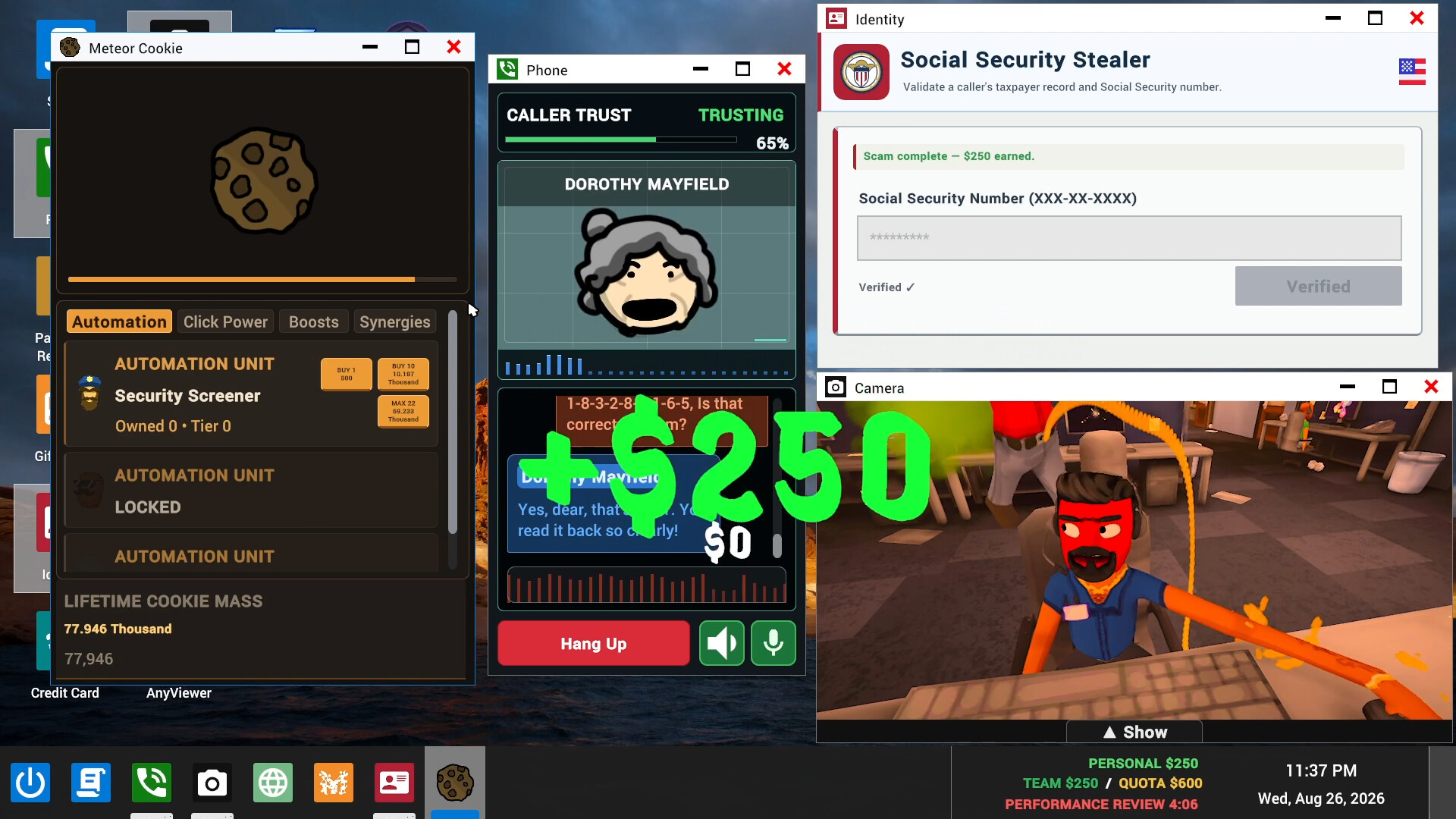
- Use the required desktop tool. Follow the current scenario’s prompts. Some scenarios require a code, invoice or another completion action after the caller agrees.
- Check the result. Look for the task’s completion and earnings rather than counting verbal agreement as a payout. Compare progress with the daily target.
- Review and repeat. Use the end-of-day result and boss review to identify what to change on the next workday.
Voice or text?
Voice input follows a chain: microphone → recognized text → online AI reply → caller audio. A microphone indicator alone does not show whether the words were understood correctly.
If speech fails, send a short typed phone message. If typing works, the problem is earlier in the chain. If typed messages also fail to get replies, use AI troubleshooting. If a reply appears as text without sound, focus on caller voice output.
Keep the quota in view
The official game description makes daily earnings and the boss review central to progression. Decide whether your group is learning, trying to advance, or exploring the office so everyone works toward the same goal.
An older walkthrough may describe different task rules. For example, official updates changed investment and lottery completion steps. The tips guide explains those documented changes without assuming one route works for every scenario.

Your next step
Use multiplayer setup to bring in friends, tips and quota checks to improve a run, or the troubleshooting collection if a call stops working. For recording controls before a session, see game privacy.
CHECK THE ORIGINALS
Sources & version notes
Checked October 21, 2026. Official notes describe behavior at their publication date. Early Access updates may change it.