BETTER HABITS
Scam With Your Friends Tips & Daily Quotas
Check actual earnings, coordinate your group, and understand the documented completion steps for investment, lottery and code-based tasks.
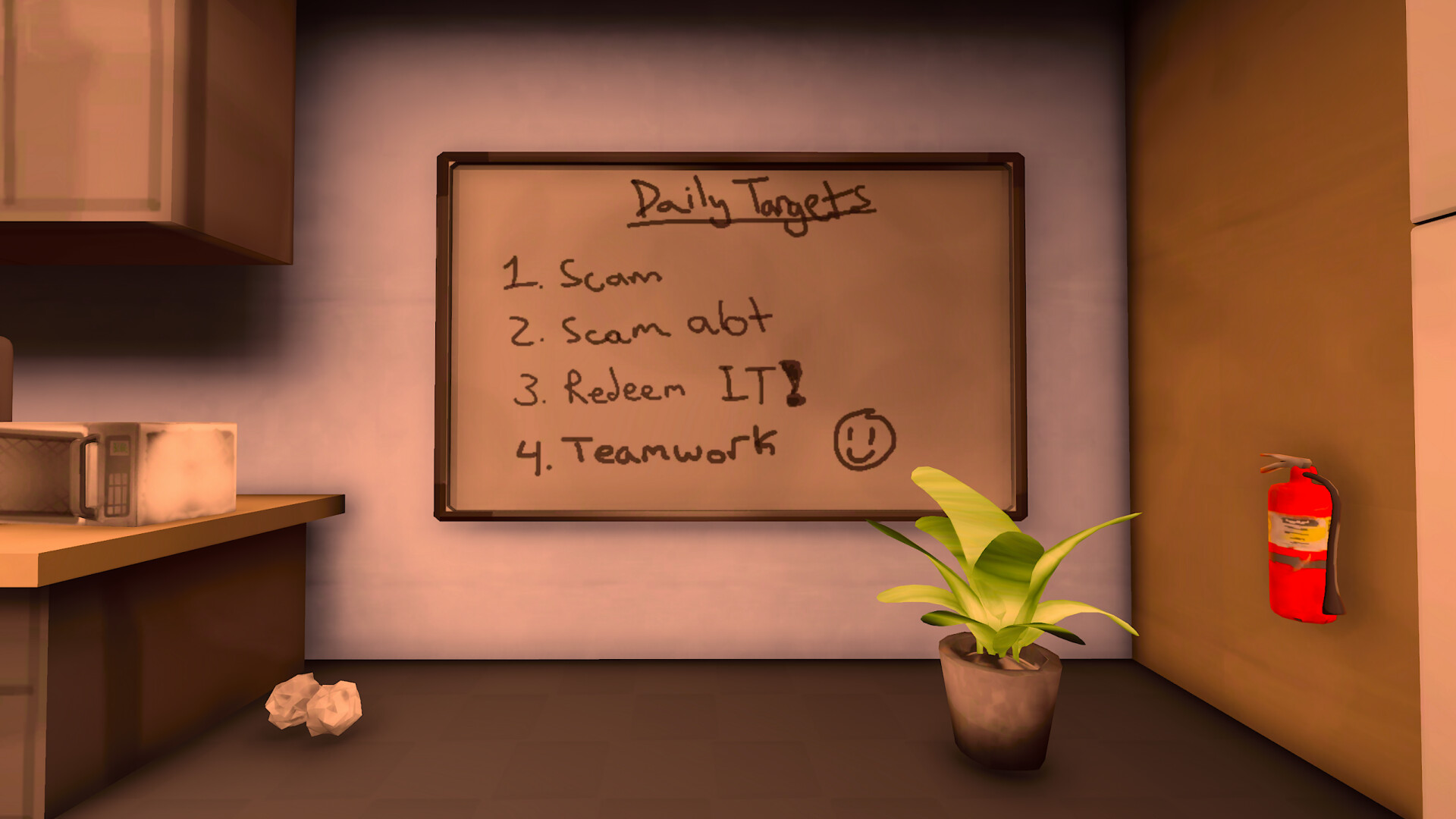
Keep the quota in view, check what the game actually heard, and agree on your group’s goal. Treat older scenario advice cautiously because task rules have changed in updates.
Check earnings after each task
Start the shift by checking the current daily quota. After an attempt, check whether the scenario actually completed and credited earnings. A caller agreeing with you does not necessarily mean you have performed the final payout action.
Use the first-shift sequence if you are still learning the phone and desktop. Use the completion table below to check the final action required by each documented scenario.
Keep conversation turns easy to check
- Make one clear request or statement at a time.
- Check the captured words before adding a long explanation. If the text is wrong, fix recognition rather than changing your strategy around a misheard sentence.
- Let the caller respond and compare the reply with the task’s current instructions.
- Keep service warnings separate from in-character refusals. If text is correct but no reply arrives, use AI troubleshooting.
This method helps you see where an attempt went wrong before repeating it.
Agree on a goal for the shift
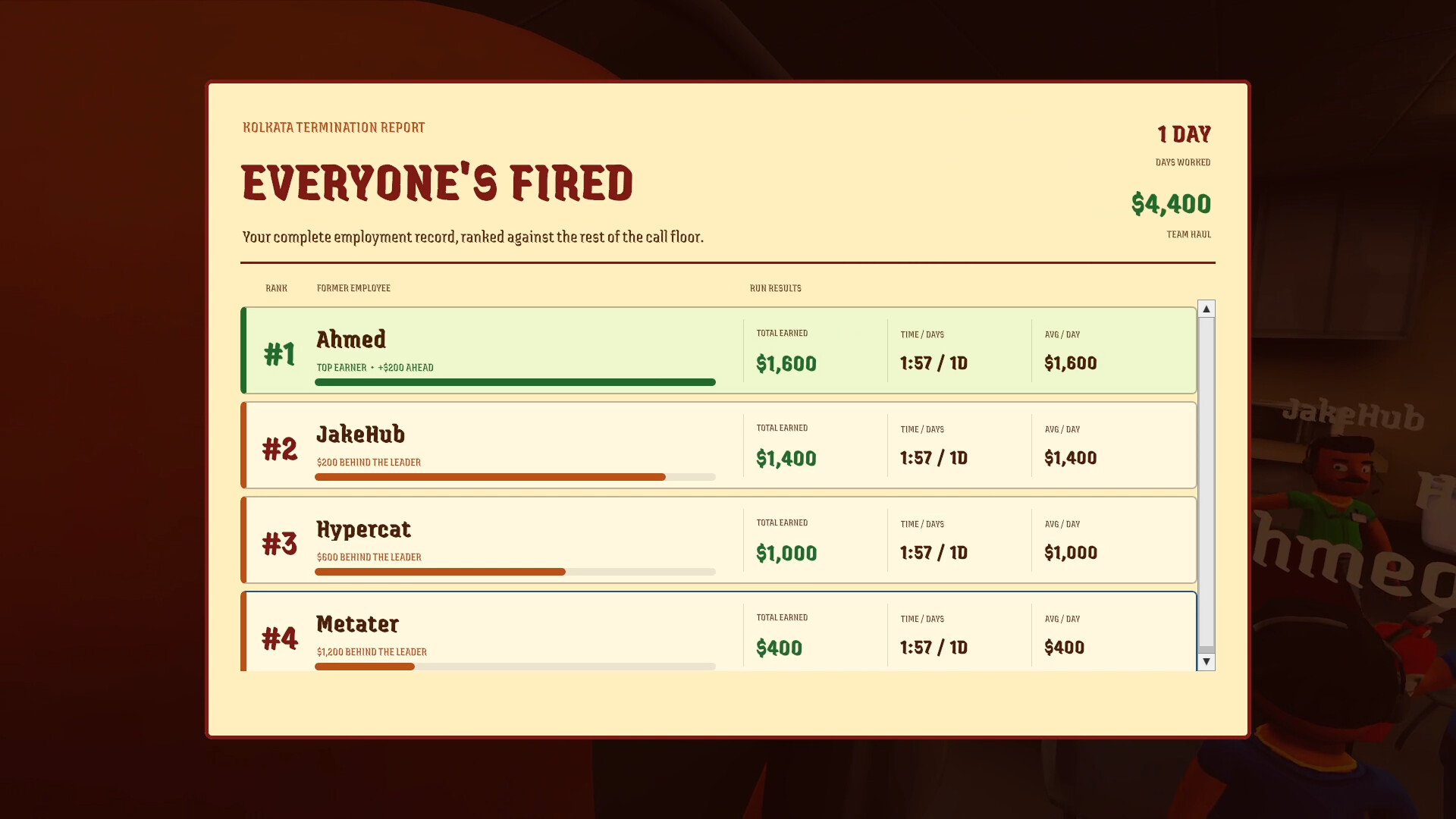
Decide whether the group is learning, progressing workdays or experimenting. If you want to advance, return attention to the quota after distractions and share what you discovered about a task’s completion condition.
Compare results after a day: which attempts produced earnings, which stopped at a code or confirmation step, and which were interrupted by technical failures? That gives the next shift a concrete focus. Check multiplayer setup if a teammate cannot join; a lobby issue is separate from call strategy.
Documented scenario completion steps
The following changes are from update 0.1.73, with later instruction and objective-recognition improvements in 0.1.78/0.1.82. Follow the instructions in your installed version if a later update changes them.
- Bitcoin / Meme Coin
- Get the fictional caller to invest, then use Cash out. Values can crash at a random time; reassurance does not prevent the crash. The reworked Meme Coin no longer needs a purchase-confirmation code or separate crash button.
- Lottery Prize
- Have the caller email the ticket, enter the confirmation code, then scratch all three numbers. Scratching reveals and pays the prize; a ticket can also pay zero.
- Police Impersonation
- Enter the caller’s fine-payment confirmation number to collect the payout.
- Investment Scam
- Enter the caller’s invoice number; the payout matches the agreed investment.
- Password Recovery
- Removed in 0.1.73, then restored in 0.1.78 with instructions to obtain the required information through AnyViewer.
The investment crash happens at a random time, so these notes do not establish a fixed safe cash-out time.
Review a failed attempt in order
- Were your words captured correctly? If not, check microphone and recognition.
- Did the service produce a reply? If not, preserve the warning and use AI checks.
- Did you complete the task’s final action? Check the code, invoice, scratch or cash-out requirement for that scenario.
- Were earnings credited toward the target? Use the result and current quota to plan the next attempt.
This separates a setup problem from an unfinished task before you repeat the same call.
CHECK THE ORIGINALS
Sources & version notes
Checked October 21, 2026. Official notes describe behavior at their publication date. Early Access updates may change it.